Where to buy a website template: marketplaces, builders, studios
The four places to buy a website template, what each gives you in licence, support and updates, and how to evaluate a template before you pay.
The best place to buy a website template depends on the platform you will build on and how much the licence and support matter to you. Large marketplaces like ThemeForest and Envato Elements offer the widest range, builder marketplaces like the Framer Marketplace and Webflow templates give you something that opens straight in your tool, free directories cost nothing but vary in terms, and independent studios offer a smaller catalogue with direct support and their own licence.
None of these is the right answer for everyone. What differs is the licence model, who supports the template, how updates work, and how much quality varies between items. This post walks through each source fairly, with links to the terms on each provider's own site, and ends with a checklist you can use anywhere.
Large marketplaces: ThemeForest and Envato Elements
Envato runs two different models, and it helps to keep them apart.
ThemeForest is part of Envato Market, where you buy one item at a time from an independent author. Its licence is built around the end product. Under the Regular License you can use the item to create one end product for yourself or one client, and that end product can be distributed for free. The Extended License covers one end product that may be sold. The licence FAQ gives the example that for a website theme, the end product is the final website customised with your content.
Support on ThemeForest comes from the item's author. The item support policy says supported items include six months of support from the purchase date, extendable to twelve months, covering things like answering questions about features, help with reported bugs and compatibility updates.
Envato Elements is a subscription. Its licence is project based: each download is licensed to a project, and you can create a new licence for the same item for another project. Envato's help centre explains that items in end products completed during an active subscription stay licensed, but you cannot start new end products with them after the subscription ends.
What you get from large marketplaces:
- Range: almost every platform, niche and style, often at a low price per item.
- Live demos for most items, so you can compare many options side by side.
- Quality that varies by author, because many independent authors sell there. Read the reviews and the changelog of the specific item.
Builder marketplaces: Framer and Webflow
If you have already chosen your site builder, buying inside its marketplace means the template opens straight in your account.
On the Framer Marketplace, buying a paid template sends you a remix link that copies the project into your workspace. Framer's community terms describe the standard licence for paid marketplace templates as covering one end product or project, without permission to resell or redistribute the template. Some listings use other licence types, so check the template page.
Webflow's template licensing page says paid templates come with a single-use licence: one end product for yourself or one client. You can customise it freely and hand the finished site to a client, and each further site needs another purchase.
What you get from builder marketplaces:
- No import step: you start editing within a minute of buying.
- Listing rules set by the platform: Webflow, for example, publishes submission guidelines for templates it lists.
- Support from the template's creator, under that creator's own terms. Look for a support contact and a recent update date on the listing.
One thing to note if you buy a Frontier template on the Framer or Webflow marketplace: that marketplace's licence applies to that purchase, not ours. Our licences page says the same.
Free directories
Free template sites range from single designers releasing their work to large directories. Licences vary widely. HTML5 UP, for example, releases its templates under a Creative Commons Attribution licence, which allows personal and commercial use as long as you credit the author.
What you get from free directories:
- No cost, which is ideal for side projects, events and early experiments.
- Licence terms that differ from site to site: some require visible credit, some do not allow commercial use, some are fully open. Read the licence file in the download, not only the page.
- Usually no promised support or updates. Some are maintained for years; others are released once.
Free is also an option from paid sellers. Many studios and marketplace authors publish free templates. Ours are on the freebies page, including Northwind, an AI consultancy template that is free in Framer while we finish the rest of the catalogue.
Independent studios
Independent studios sell their own templates from their own site, usually in a narrower range of niches or styles. Frontier is one of these, so read this section knowing that, and apply the same checklist to us as to anyone.
What you typically get from a studio:
- Direct support from the people who designed and built the template.
- The studio's own licence, which can be more or less generous than a marketplace's. Read it.
- Formats chosen by the studio. Some sell one platform, some ship the same design in several.
- An update policy set by the studio. Ask whether updates are included, and for how long.
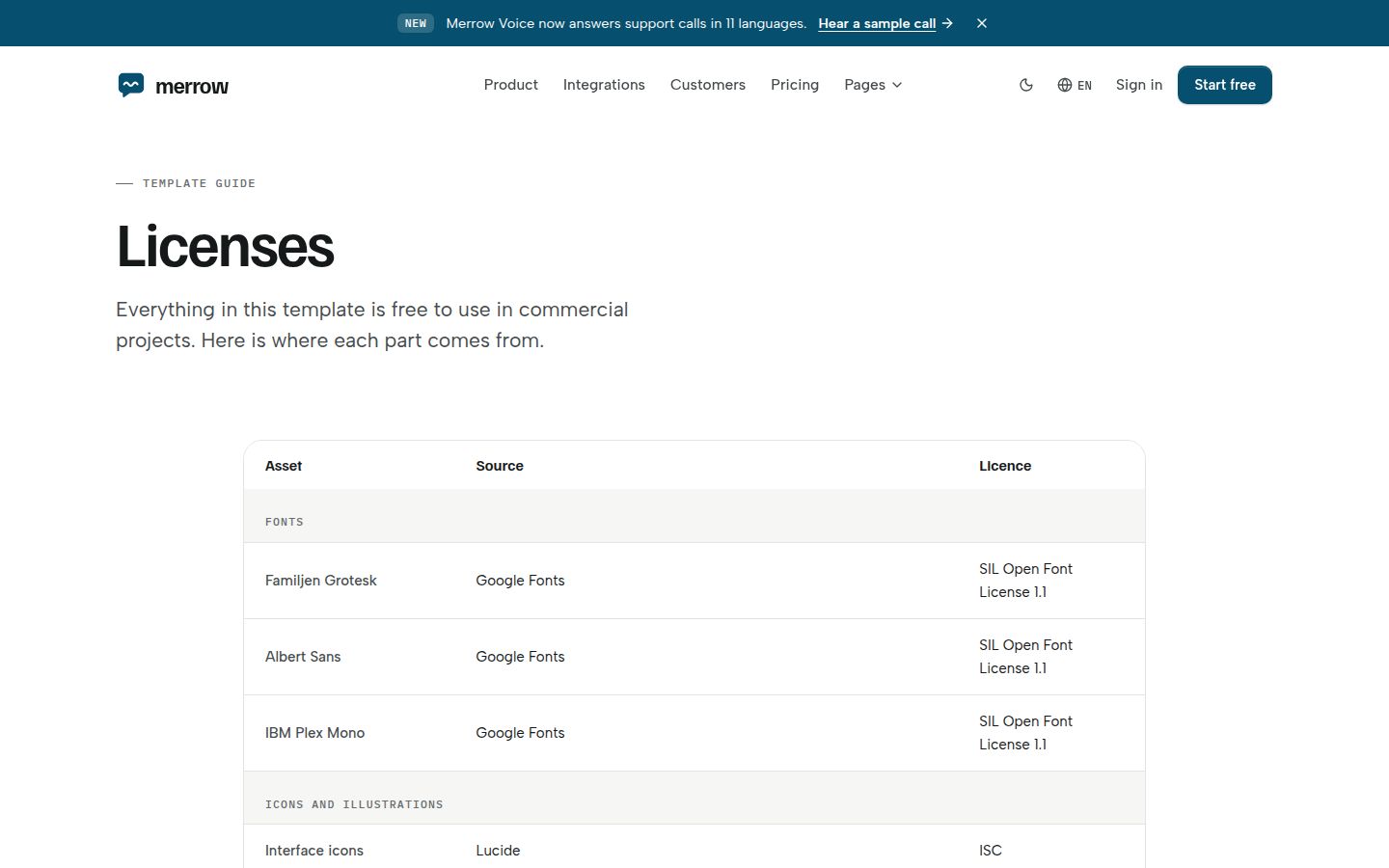
For transparency, here is how ours works, all from our own pages. One template is $79 and covers every format it ships in, including formats still in production when they are released. Updates are for life. Our licence allows client work and commercial use without credit, with end products and seats set by plan (see pricing and licences). Every image and font in a template is either our own or free to use commercially, and each template's licences page lists them with sources. Refunds are available within 14 days if nothing has been downloaded or used.
Comparing the four sources
| Large marketplace | Builder marketplace | Free directory | Independent studio | |
|---|---|---|---|---|
| Range | Very wide | Wide, one platform | Varies | Narrow, focused |
| Licence model | Per item and end product, or subscription per project | Usually single use, per site | Varies: open, attribution, non-commercial | Set by the studio |
| Support | From the item author, terms set by the marketplace | From the creator | Usually none promised | From the studio |
| Updates | Set by the author | Set by the creator | Not guaranteed | Set by the studio |
| Quality variance | High across authors | Varies by creator | High | Consistent within one studio |
How to evaluate any template before you buy
These checks work wherever you shop. Our longer guide on how to judge a premium website template goes deeper.
- Open the live demo on a phone, not only a laptop. Check navigation, the pricing table and forms.
- Count the pages you actually need: pricing, blog post, changelog, careers, contact, 404, legal. What a complete template includes has a full checklist.
- Tab through a page with the keyboard. If you cannot see where focus is, expect to fix it. The accessibility checklist lists more checks.
- Read the licence for end products, client work, seats and what you may not do. Website template licences explained explains the usual terms.
- Check where fonts, images and video come from and whether they are cleared for commercial use.
- Look for an update date and a changelog. A template that was last touched long ago may need work on modern browsers.
- Check the format matches the person who will maintain the site. Which template format to buy helps with that choice.
Our take
If you have already committed to Framer or Webflow and want the fastest start, the builder marketplace is convenient. If you want the widest choice at the lowest price and are comfortable judging quality yourself, the large marketplaces are hard to beat on range. If you need a free start, a good free directory works well as long as you follow its licence. If you want a specific niche done in depth, with the same design in several formats and direct support, look at independent studios.
For AI and SaaS startups, start with our AI website templates or the full template catalogue.
Changelog
- 2026-10-05: first published