10 templates · Built for coding agents
Website templates for Claude Code
Templates made to be built and edited by Claude Code. Paste one prompt and it builds the site from a prompt pack, or point it at the HTML and ask for changes in plain English.
Claude Code is good at writing a website and poor at inventing a design: left to itself it produces the same centred hero and three-card grid every AI-built site has. A template fixes that by giving it a finished design to work from. You get the structure, typography and product mock-ups of a designed site, and Claude Code does the slow part, rewriting every page for your company.
There are three ways to use these templates with Claude Code. A prompt pack is a set of page specs, design tokens and reference screenshots: you paste one prompt with your licence key, and Claude Code fetches the pack and builds the site in your project folder. The HTML edition is plain files Claude Code can read and edit directly. And the MCP server lets it pull individual sections, tokens and page blueprints into a site you are already building.
The 10 templates

How each template works with Claude Code
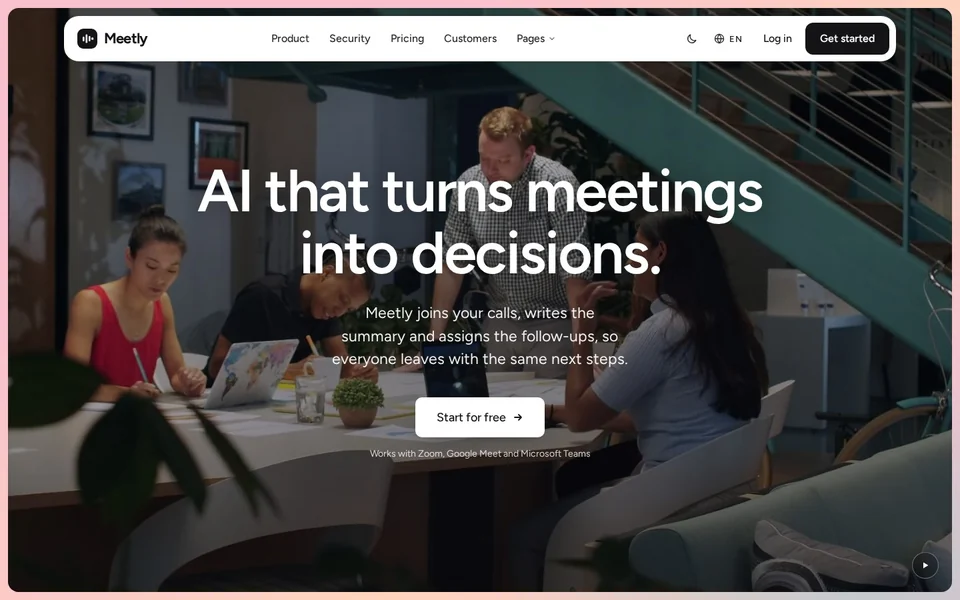
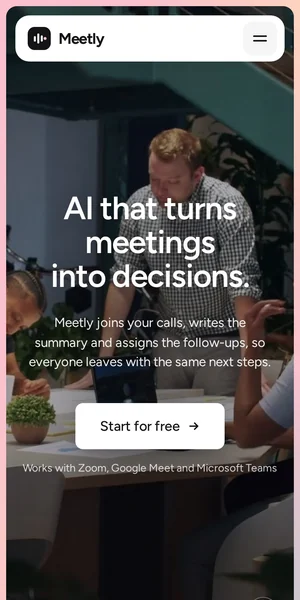
- Meetly: Prompt pack ready, plus HTML and Astro. The most complete pack: copy prompts, a brand kit and a UI kit come with it.
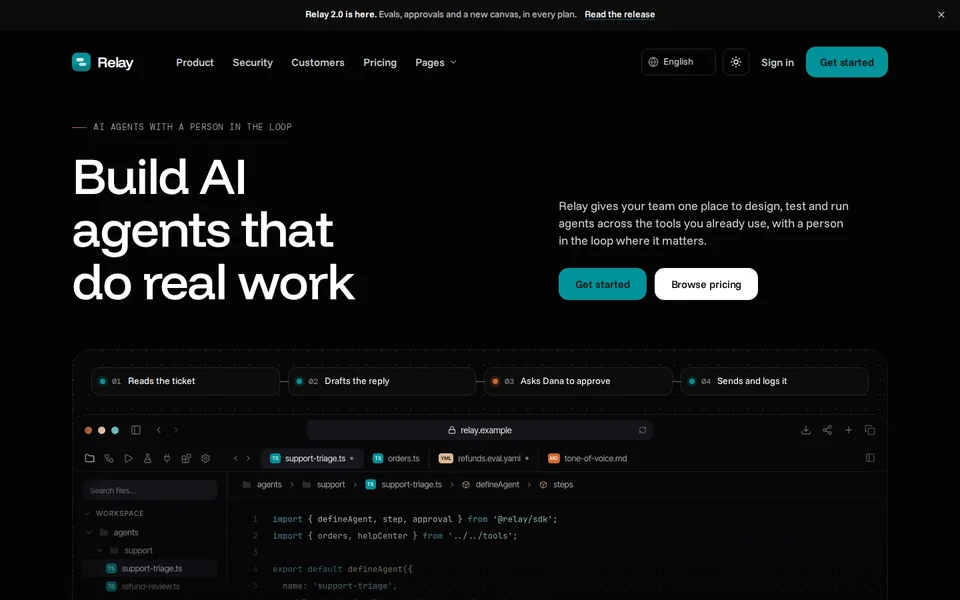
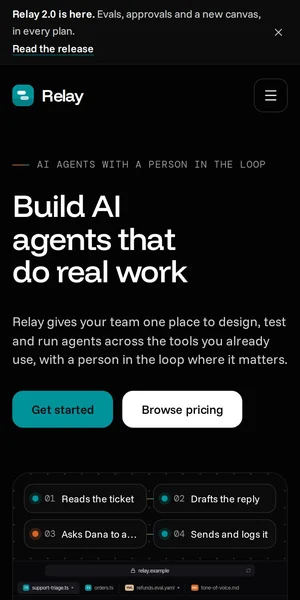
- Relay: Prompt pack and HTML ready. A good test of the pack: code samples, integrations and three blog layouts.
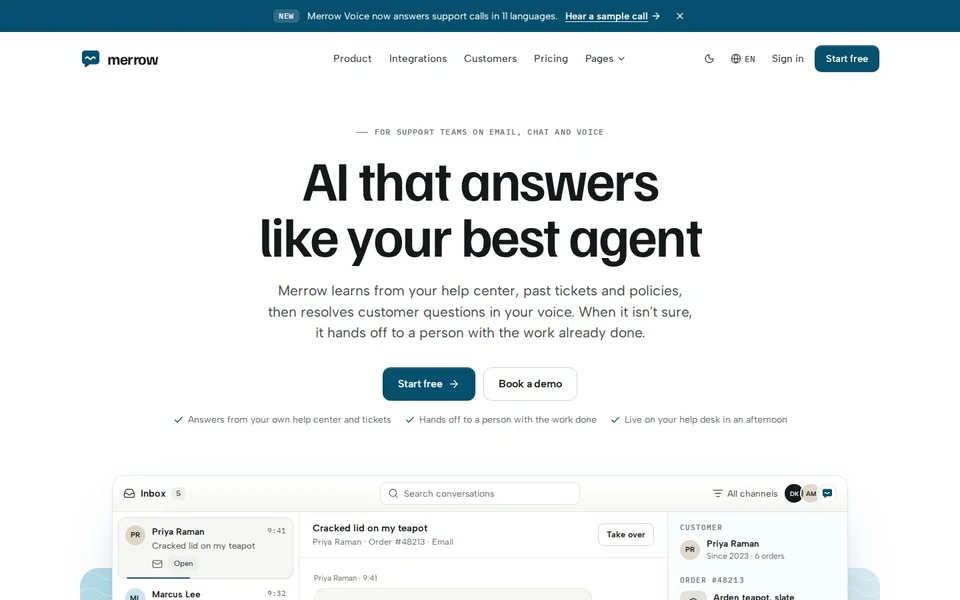
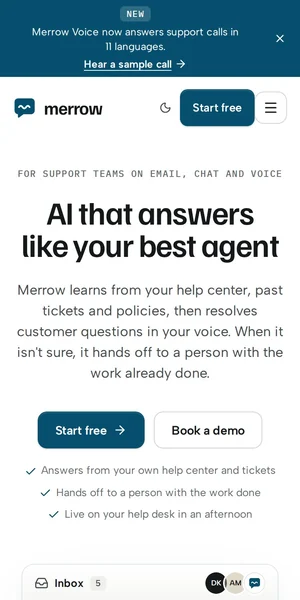
- Merrow: Prompt pack and HTML ready, with partials for the inbox and hand-off mock-ups.
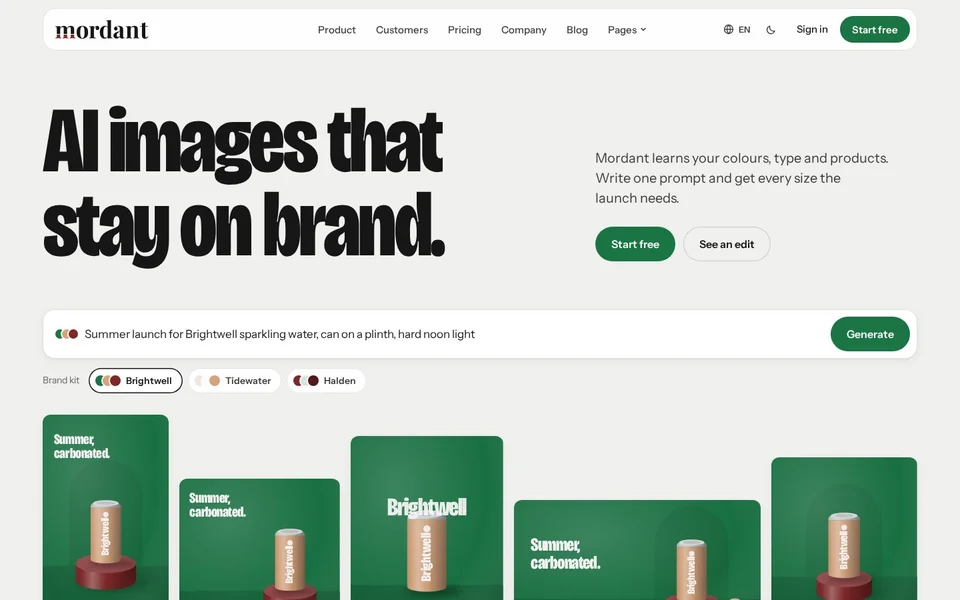
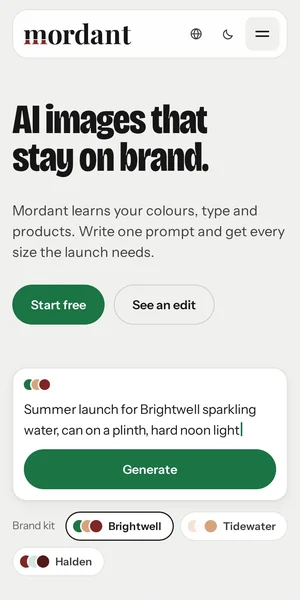
- Mordant: Prompt pack and HTML ready. Its visuals are generated in code, so Claude Code can restyle them instead of swapping images.
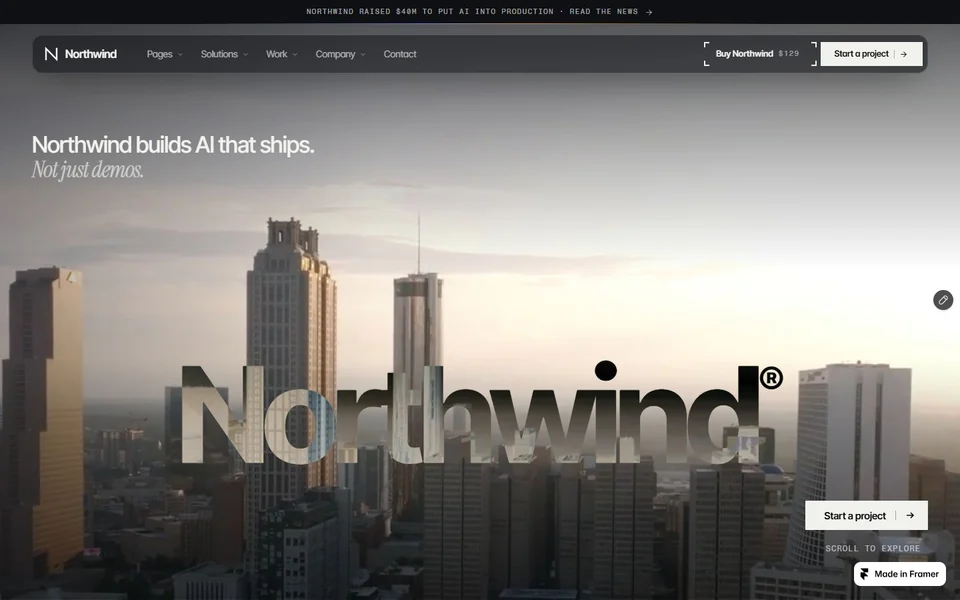
- Northwind: Prompt pack ready (and Framer). Free, so it is the cheapest way to try the prompt-pack workflow.
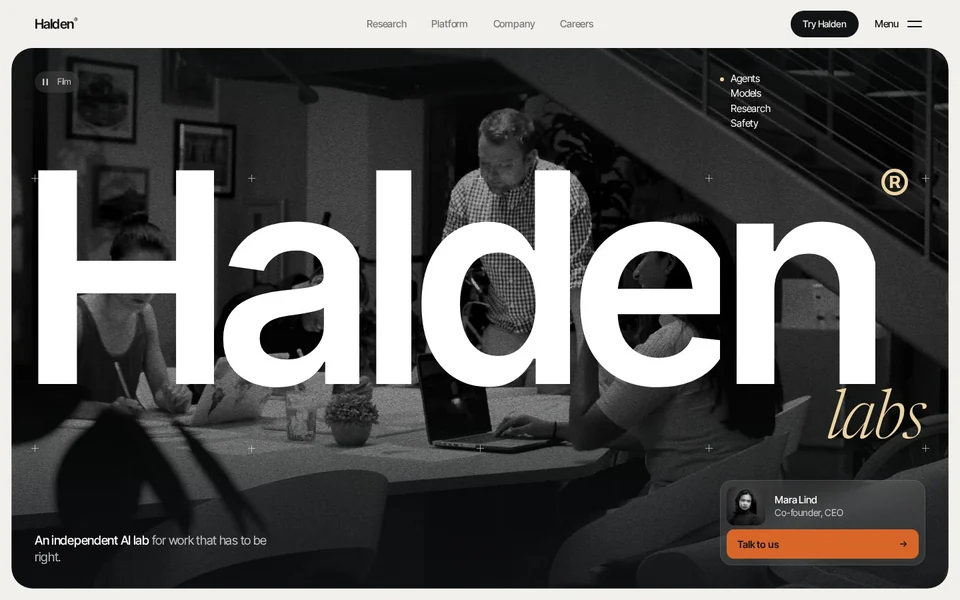
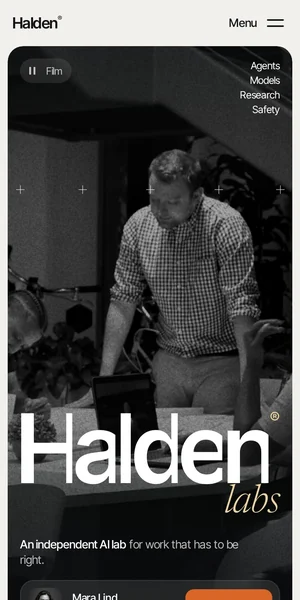
- Halden: HTML ready; ask Claude Code to edit the files directly. Its prompt pack is in production.
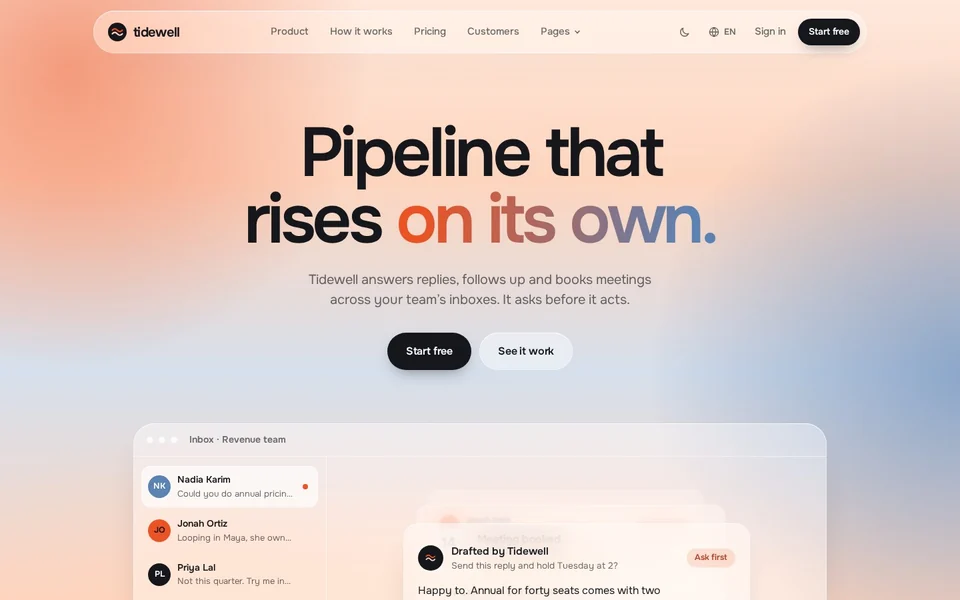
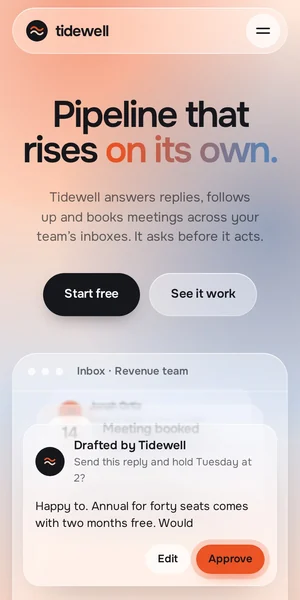
- Tidewell: HTML ready; the glass system lives in a few CSS custom properties, which makes palette changes a one-line request.
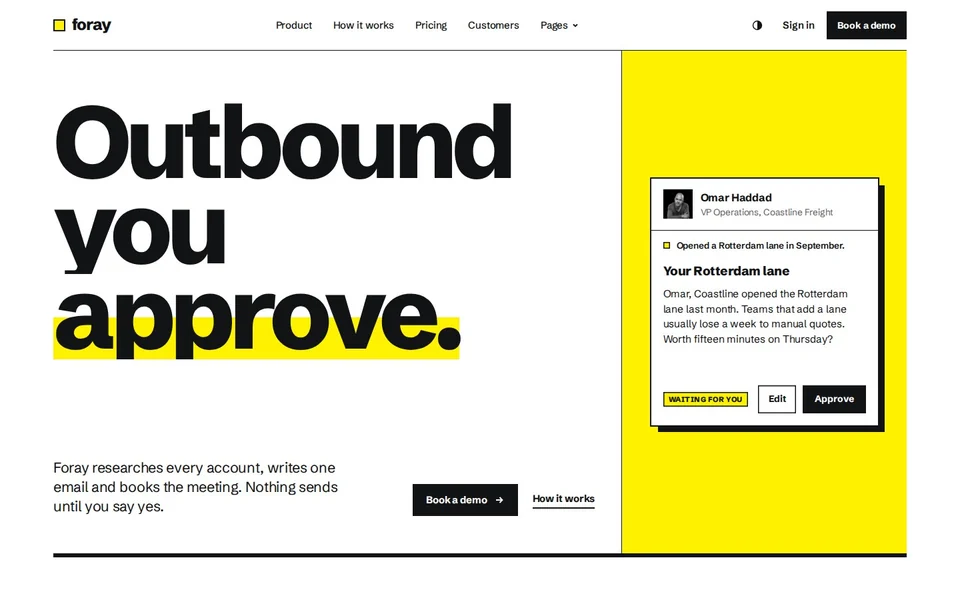
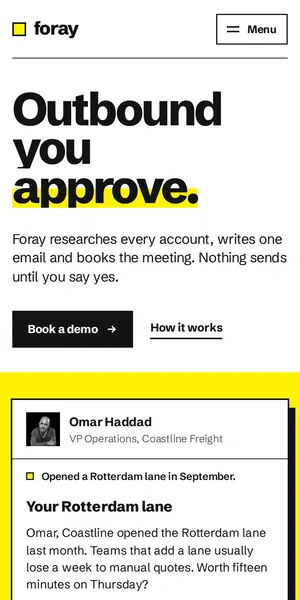
- Foray: HTML ready; the Swiss grid is explicit in the CSS, so layout changes stay on the grid.
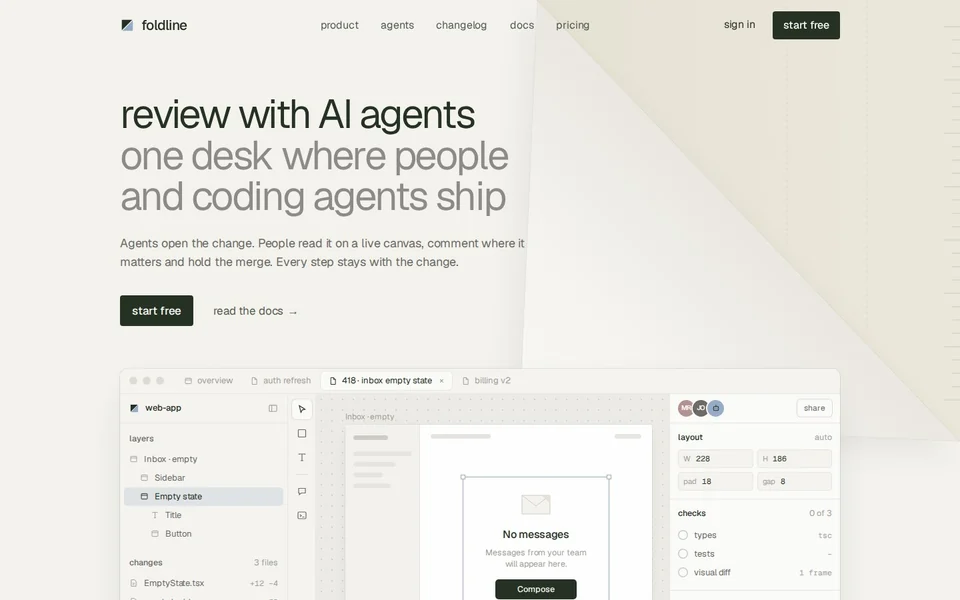
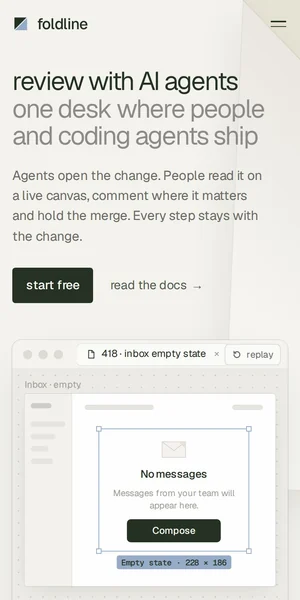
- Foldline: HTML ready; light and dark come from one token file Claude Code can rewrite for your brand.
What's included
| Template | Pages | Ready today | Start-here guide | Extras ready | Price | Live preview |
|---|---|---|---|---|---|---|
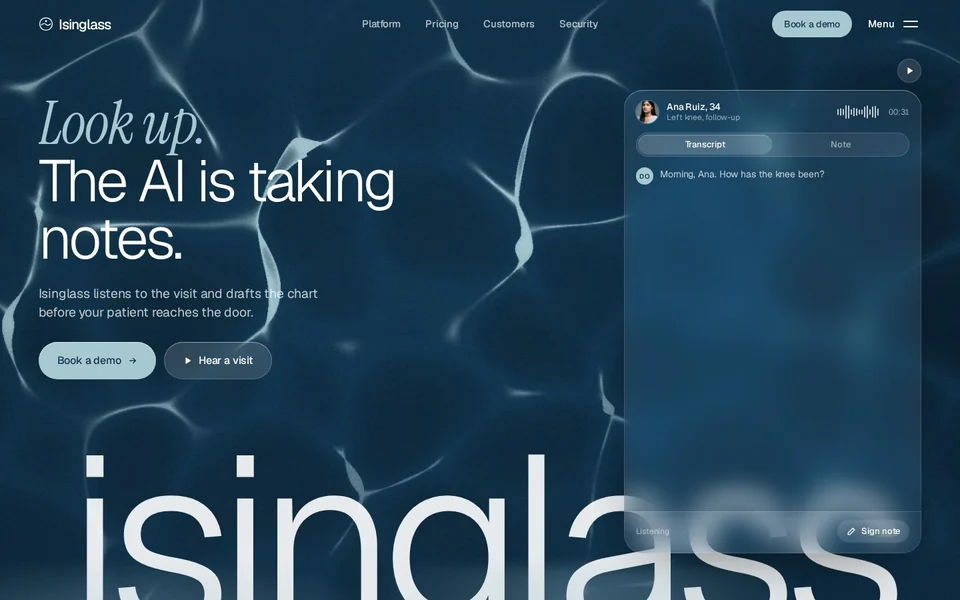
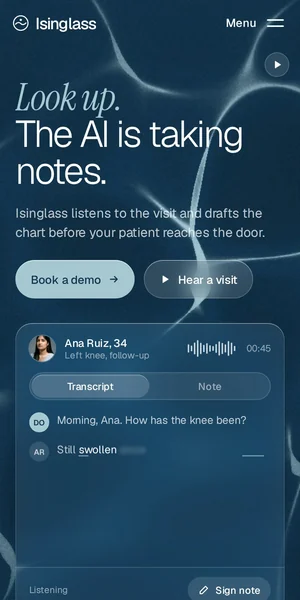
| Isinglass AI clinical documentation | 24 | HTML | Yes | None yet | $79 | Open the Isinglass demo (opens in a new tab) |
| Meetly AI meeting assistant | 30 | Astro, HTML, Prompt pack | Yes | AI copy prompts, Pitch deck, Launch kit, Email templates, Brand kit, Product UI kit | $79 | Open the Meetly demo (opens in a new tab) |
| Relay AI agent platform | 31 | HTML, Prompt pack | Yes | Product UI kit | $79 | Open the Relay demo (opens in a new tab) |
| Merrow AI support assistant | 30 | HTML, Prompt pack | Yes | None yet | $79 | Open the Merrow demo (opens in a new tab) |
| Mordant AI image generator | 30 | HTML, Prompt pack | Yes | None yet | $79 | Open the Mordant demo (opens in a new tab) |
| Northwind AI consultancy | 28 | Framer, Prompt pack | Yes | None yet | Free | Open the Northwind demo (opens in a new tab) |
| Halden Applied AI lab | 27 | HTML | Yes | None yet | $79 | Open the Halden demo (opens in a new tab) |
| Tidewell AI inbox and sales agent | 29 | HTML | Yes | None yet | $79 | Open the Tidewell demo (opens in a new tab) |
| Foray AI SDR and sales agent | 29 | HTML | Yes | None yet | $79 | Open the Foray demo (opens in a new tab) |
| Foldline AI code review | 29 | HTML | Yes | Product UI kit | $79 | Open the Foldline demo (opens in a new tab) |
Page counts are the site pages in each demo, not counting the password, 404 and coming-soon screens. Every paid template is one price for every format it ships in.
Build a site from a prompt pack
- Buy the template (or get Northwind free) and open the prompt page with your licence key.
- Copy the ready prompt for your template and add two or three sentences about your company.
- Paste it into Claude Code in an empty project folder. It fetches the pack's entry document, then each page spec, asset and reference screenshot.
- Review the site it builds page by page, then ask for changes as you would with a developer.
Chat apps can't do this, because they can't fetch files and write a project folder. It needs a coding agent with file and network access: Claude Code, Cursor in agent mode or Codex.
Add real sections with the MCP server
If you already have a site, the MCP server gives Claude Code tools to fetch sections, design tokens and page blueprints from shipped templates. Ask for "our pricing page, built like Relay's" and it uses Relay's real section rather than guessing. Free sections work without a key.
claude mcp add frontier -e FRONTIER_LICENSE_KEY=ft_your_key -- npx -y @frontiertemplates/mcpPrompts that work well on a template
- "Read start-here.html, then replace the brand name, logo and colours everywhere."
- "Rewrite every page's copy for this company: …, keeping headline lengths within ten percent."
- "Change the home page mock-up to show our product: … Keep the animation steps."
- "Remove the pages we don't need (careers, customers) and fix every link to them."
- "Check every page at 390 pixels wide and fix anything that overflows."
Questions
What is a prompt pack?
The template as instructions instead of files: page-by-page specs, design tokens, assets and reference screenshots that a coding agent fetches and follows to build the site in your stack.
Do I need Claude Code specifically?
No. Prompt packs and the MCP server also work with Cursor in agent mode and Codex. The HTML edition works with any editor or agent.
Can I use a prompt pack in the Claude chat app?
Not for building the site: the chat app can't fetch the pack's files or write a project folder. Use Claude Code, which runs in your terminal or IDE.
Which framework does Claude Code use when it builds from a pack?
The one you ask for. The pack describes pages, tokens and components, not a framework, so you can ask for plain HTML, Astro, Next.js or something else.
Is my licence key exposed to the agent?
The key is in the prompt you paste, so the agent can fetch files with it. It only unlocks the templates you bought, and requests are rate-limited.