A design MCP server for coding agents: what it does
What an MCP server for web design gives a coding agent, how to set ours up in Claude Code, Cursor and Codex, example requests, and where its limits are.
An MCP server for web design gives a coding agent real design material to build from, such as finished sections, design tokens and page blueprints, through a standard connection the agent can call as tools. Instead of describing a pricing section in a prompt and hoping, the agent fetches one that was designed and tested, then adapts it to your project. Ours works with Claude Code, Cursor and Codex, and its free sections work without a licence key.
This post explains what MCP is, why handing an agent design context beats prompting it into taste, what the Frontier MCP server provides, how to install it in each tool, and what it will not do for you.
What an MCP server is
The Model Context Protocol is, in the words of its official introduction, an open-source standard for connecting AI applications to external systems. The same page compares it to a USB-C port: one standard way to plug things in, rather than a custom connector for every pairing.
An MCP server is the thing on the other end of that plug. The protocol defines three kinds of thing a server can expose:
- **Tools**: functions the AI application can call to do something, such as fetch a record or run a query.
- **Resources**: data that gives the application context, such as file contents or API responses.
- **Prompts**: reusable templates that structure an interaction with the model.
The practical consequence for web work is that any coding agent that speaks MCP can use the same server. You configure it once per tool, and the agent decides when to call it based on what you ask.
Why design context beats prompting
Ask a coding agent for "a clean, modern pricing section" and it will write one. It will also make a dozen design decisions you did not ask for: a type scale, spacing values, a border radius, a highlight colour for the recommended plan, a button style. Each decision is plausible. Together they rarely match the rest of your site, and the next section it writes will make a slightly different set.
Prompting harder does not fix this. You can paste your colours into the prompt, but a design system is more than colours: it is how headings step down, how much air sits between sections, how a card sits on a background in dark mode, how a table collapses on a phone. Those decisions are easy to see and hard to describe.
Design context fixes it by giving the agent the decisions instead of a description of them. When the agent can fetch a token set and a section that already uses those tokens, it stops inventing and starts adapting. The result looks designed because it was, and the next section matches the first because both came from the same system.
There is a second benefit: review gets easier. A diff that inserts a known section and maps it to your tokens is quicker to read than one that invents a layout from scratch.
What the Frontier MCP server gives your agent
The Frontier MCP server gives Claude Code, Cursor and Codex three kinds of material from our templates:
- **Sections**: real, finished sections taken from our templates, for the agent to place and adapt.
- **Design tokens**: the colour, type and spacing decisions behind a template, so new work can follow an existing system.
- **Page blueprints**: the structure of a complete page, so an agent building a pricing or security page starts from an order of sections that already works.
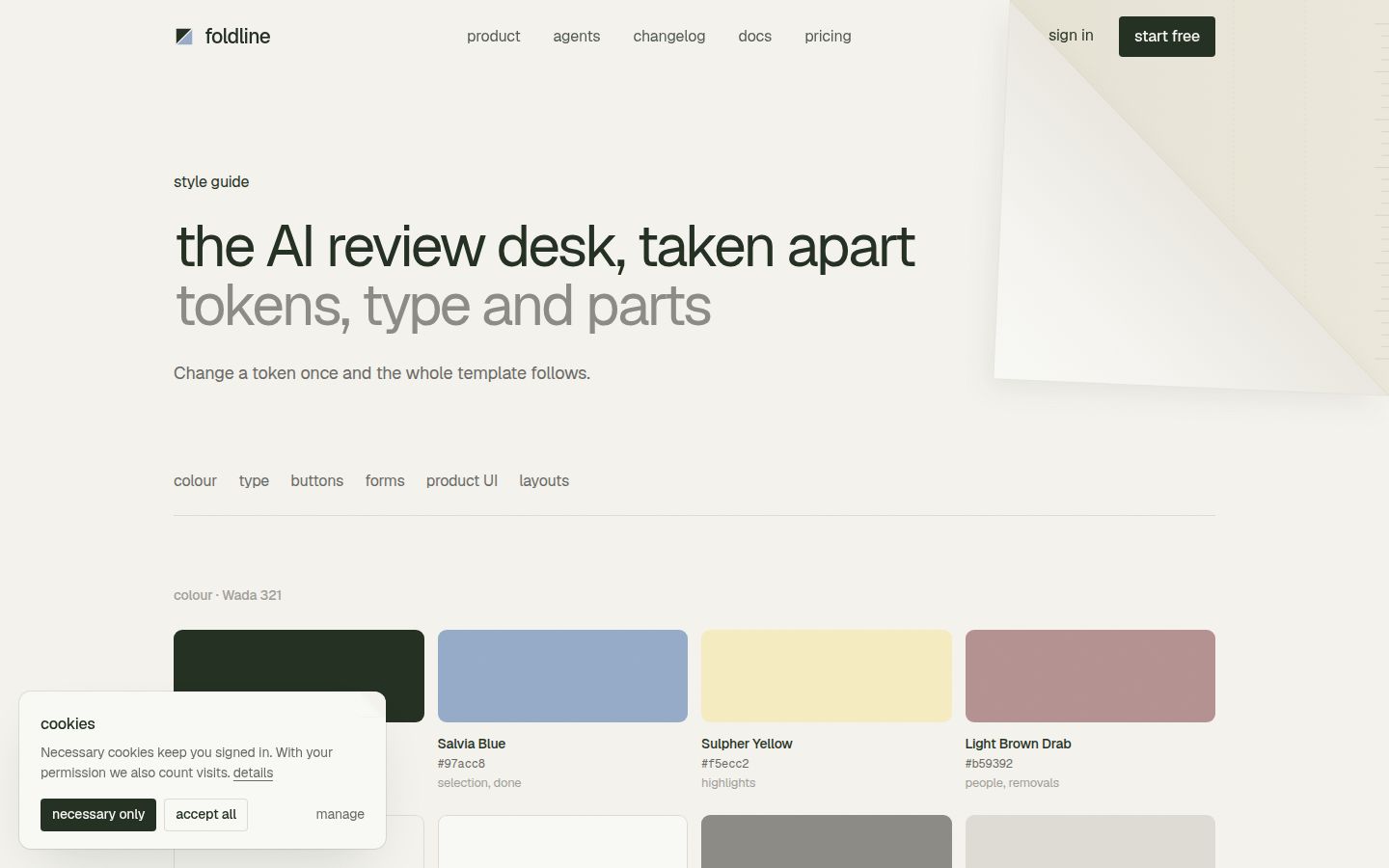
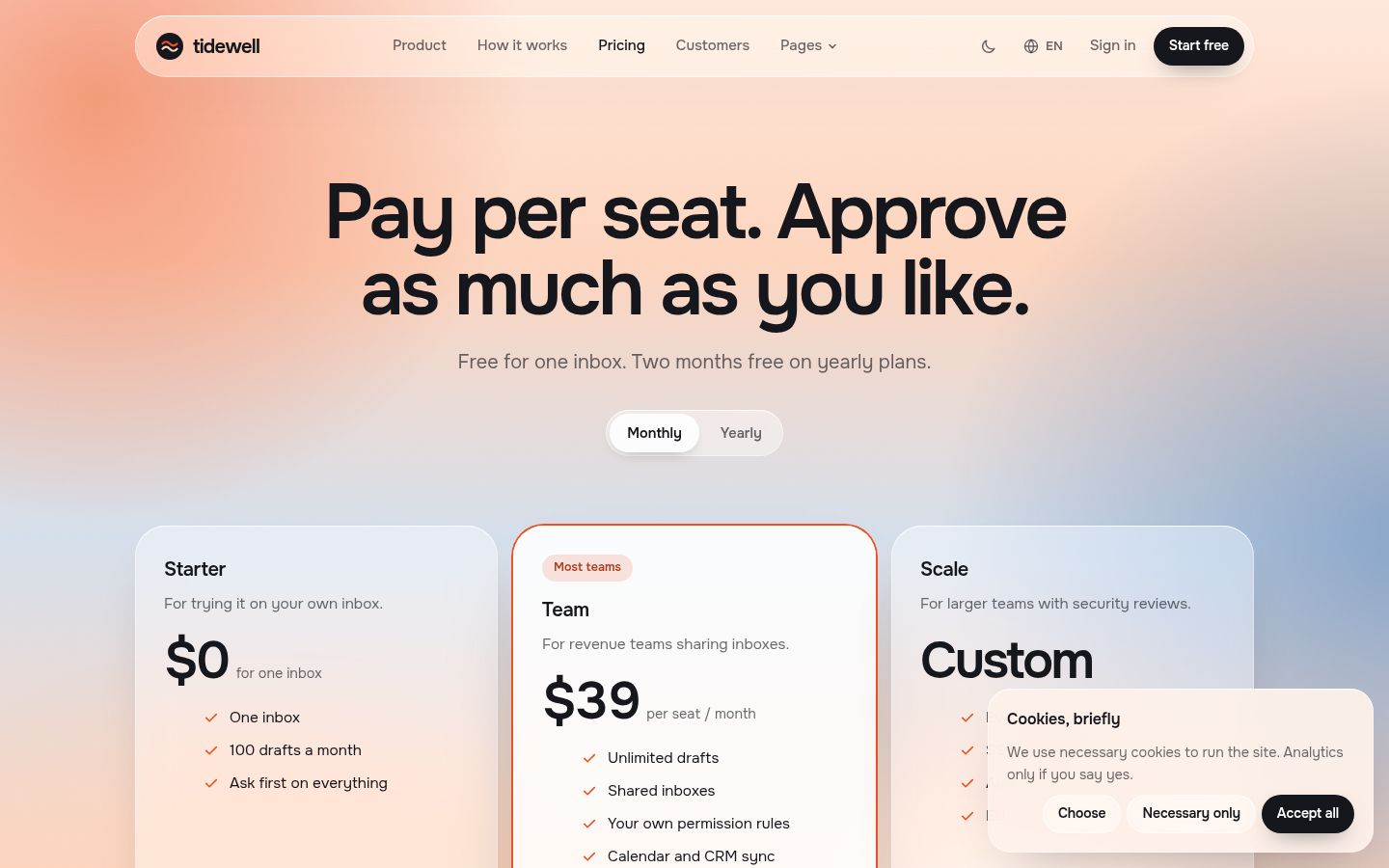
The templates behind it are complete sites for AI, SaaS and developer-tool products, such as Tidewell for an AI inbox agent or Foldline for AI code review, so the material reflects the pages those products actually need. Browse the AI website templates to see the range.
Set it up in Claude Code, Cursor and Codex
Each tool reads MCP servers from its own config. Replace `ft_your_key` with your licence key, or leave the key out if you only want the free sections.
Claude Code
Run this in your shell:
claude mcp add frontier -e FRONTIER_LICENSE_KEY=ft_your_key -- npx -y @frontiertemplates/mcpThe Claude Code MCP documentation explains that `--` separates Claude's own options from the server command and that `-e` sets environment variables for the server. Run `/mcp` inside a session to check the server is connected.
Cursor
Add this to `~/.cursor/mcp.json`:
{
  "mcpServers": {
    "frontier": {
      "command": "npx",
      "args": ["-y", "@frontiertemplates/mcp"],
      "env": { "FRONTIER_LICENSE_KEY": "ft_your_key" }
    }
  }
}
Cursor's MCP documentation describes `~/.cursor/mcp.json` as the place for tools available in every project, alongside a per-project `.cursor/mcp.json`. Keep your key in the global file so it never lands in a repository.
Codex
Add this to `~/.codex/config.toml`:
[mcp_servers.frontier]
command = "npx"
args = ["-y", "@frontiertemplates/mcp"]
env = { FRONTIER_LICENSE_KEY = "ft_your_key" }
OpenAI's Codex MCP documentation describes the `[mcp_servers.<name>]` table with `command`, `args` and `env` for servers started from a command.
All three configs start the server with `npx`, so you need Node.js installed. The MCP page keeps the current setup instructions.
Example requests
You talk to the agent normally. It decides when to call the server. Requests that make good use of it:
- "Add a pricing section to pricing.html based on a Frontier pricing section. Map its colours and spacing to the tokens in our stylesheet."
- "Use the Frontier page blueprint for a security page as the outline for a new security.html. Write the copy for our product and keep our header and footer."
- "Fetch the design tokens of a Frontier template and show me how they differ from ours before changing anything."
- "Our features section has no visual rhythm. Replace it with a Frontier feature section and keep our existing copy."
Two habits make the results better. Ask the agent to show what it fetched before it edits, so you see the starting point. And keep a project instruction file, a CLAUDE.md in Claude Code or a project rule in Cursor, that names your tokens and says new sections must use them. Our guides to editing a template with Claude Code and using a template in Cursor cover both.
The limits
An honest list, because the server is a source of material, not a designer:
- **It does not design for you.** It hands the agent sections, tokens and blueprints. Choosing which ones fit your product, writing the copy and judging the result are still your job.
- **The agent still adapts the code.** A section mapped to your tokens can still need spacing or contrast fixes. Review the diff and check the page at phone width and in both themes.
- **Free sections work without a key.** For the rest, the server takes your licence key through the `FRONTIER_LICENSE_KEY` setting shown above.
- **It is not a whole site.** If you want a complete, coherent site, a template or a prompt pack gets you there faster than assembling sections one by one.
- **Standalone pricing is not final.** A price for the MCP server on its own has been proposed but not settled; check the pricing page for what is available now.
MCP server, prompt pack or template
| You want | Use |
|---|---|
| A complete site with your copy, quickly | A template, ideally the HTML edition |
| A complete site rebuilt inside your own codebase | A prompt pack pasted into a coding agent |
| New sections or pages that match an existing design system | The MCP server |
The three combine well. A common path is to launch on a template, then use the MCP server months later when you need a new page that the template did not include. Our post on UI kits, section libraries and templates goes further into when each kind of product fits.
If your product is an AI inbox or sales agent, Tidewell is a strong starting point: its trust and permissions page, time-saved calculator and comparison page are the pages buyers in that category look for.
Changelog
- 2026-10-05: first published