10 templates · Built for coding agents
Website templates for Cursor
For Cursor, the AI code editor (not mouse-cursor effects): designed sites its agent can build from a prompt pack or edit directly, with project rules that keep the design consistent.
Cursor's agent writes working front-end code quickly, but without a reference it falls back on the same generic layout every AI-made site shares. Opening a designed template in Cursor gives the agent something concrete to follow: real spacing, a type scale, a palette and finished page layouts. You then work the way Cursor is good at, selecting a section and asking for a change.
With these templates you can open the HTML edition as a Cursor project and edit it, let Cursor's agent build a new project from a prompt pack, or add the MCP server so the agent can pull sections and tokens into a site you already have. The setup below is specific to Cursor: where the MCP configuration goes, and how to write a project rule so the agent keeps to the template's design system.
The 10 templates
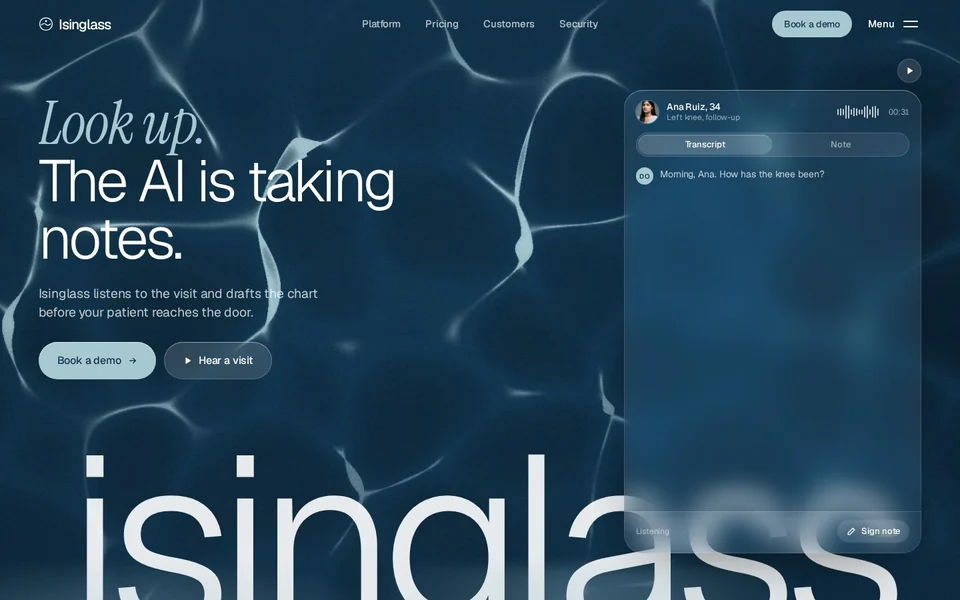
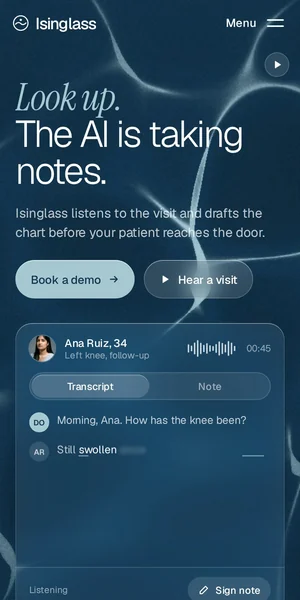
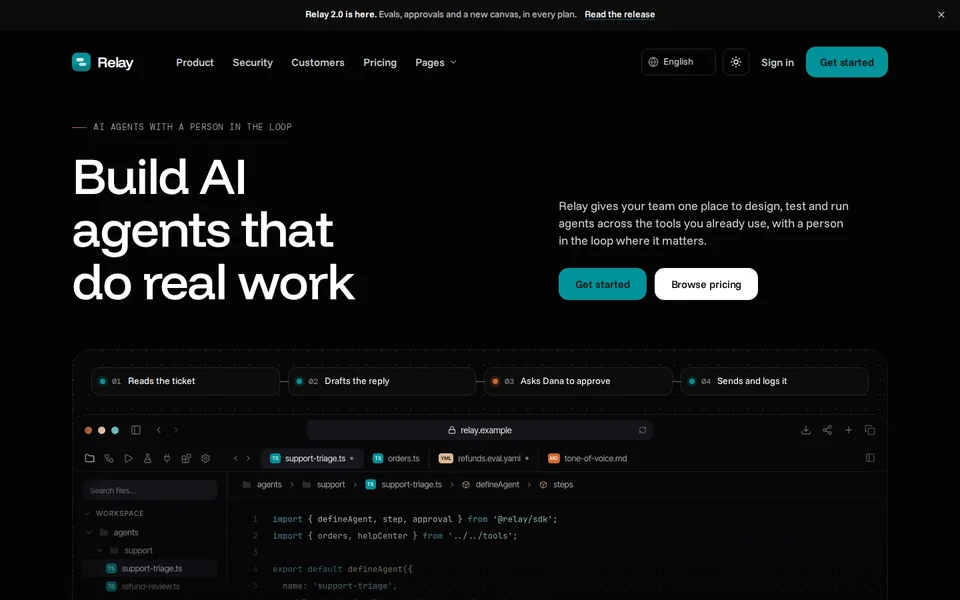
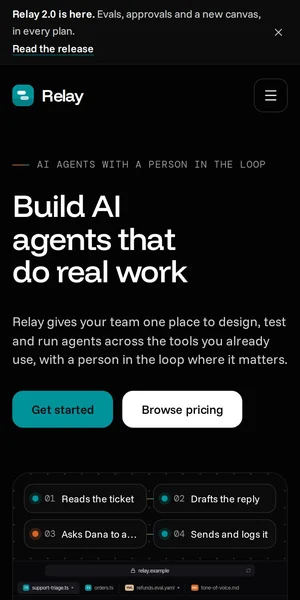




Good starting points in Cursor
- Relay: Developer-facing: code samples, an integrations index and docs-style blog layouts, with prompt pack and HTML both ready.
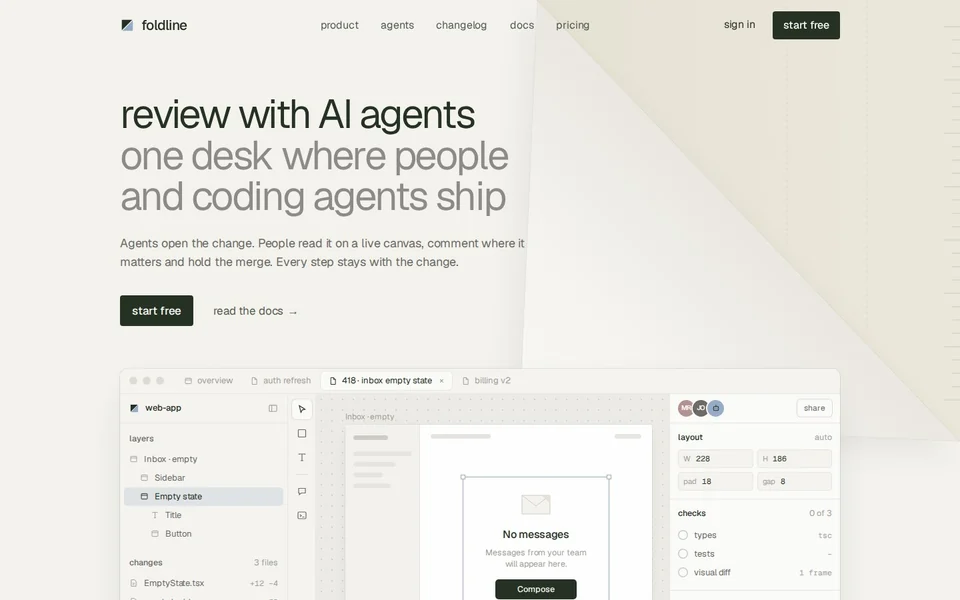
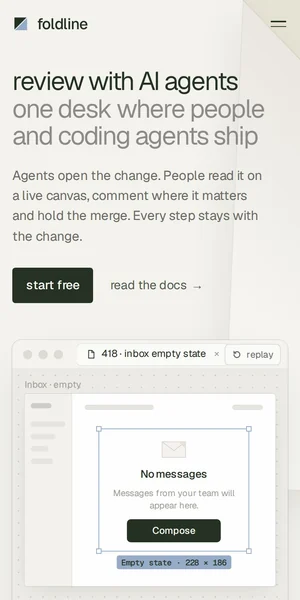
- Foldline: A devtool template whose light and dark themes live in one token file, so a rule that says "only use tokens from tokens.css" keeps edits on-system.
- Meetly: Ready in Astro as well as HTML, if you prefer to work in components inside Cursor.
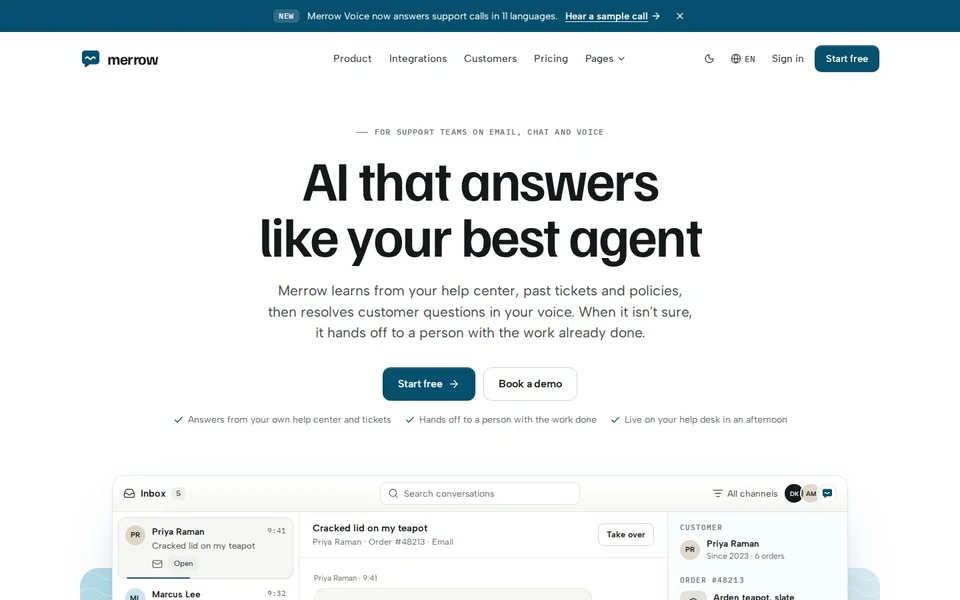
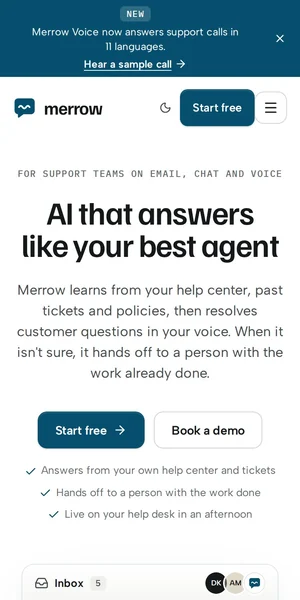
- Merrow: Mock-ups are split into partials, so you can point the agent at one file per component.
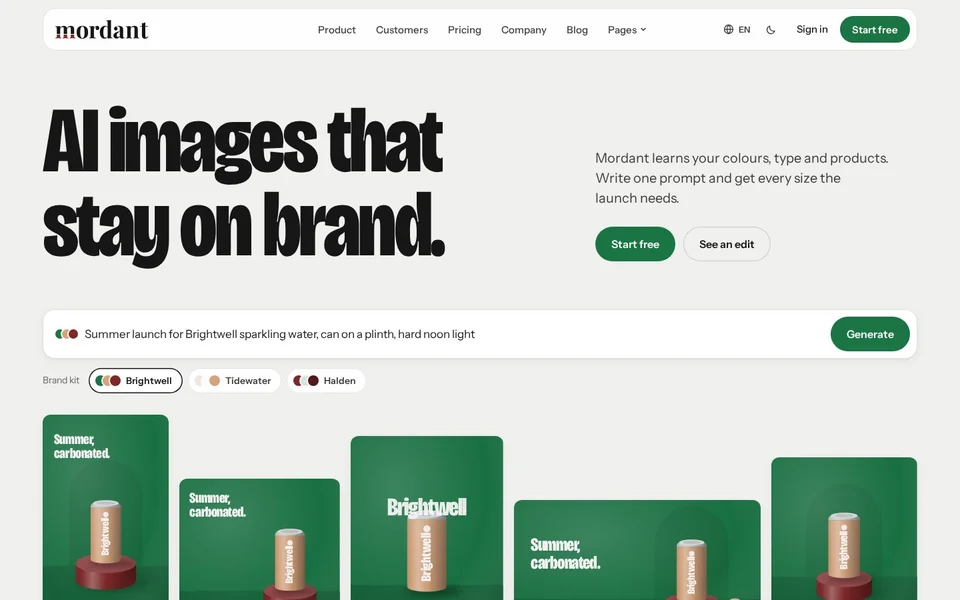
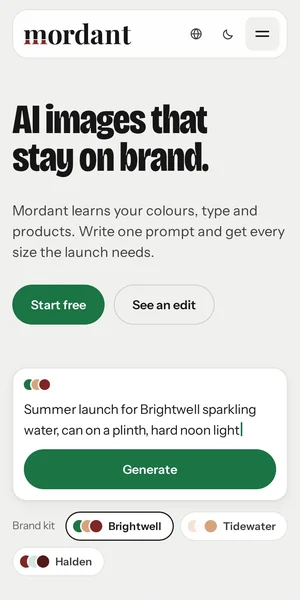
- Mordant: Code-generated visuals the agent can restyle with your palette instead of replacing images.
- Northwind: Free, with a prompt pack, so you can try a Cursor build at no cost.
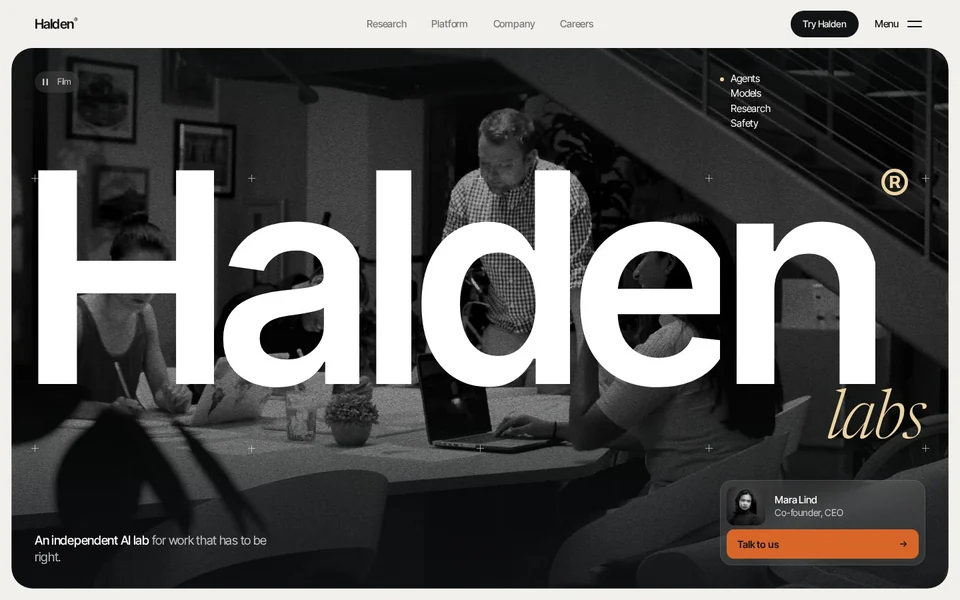
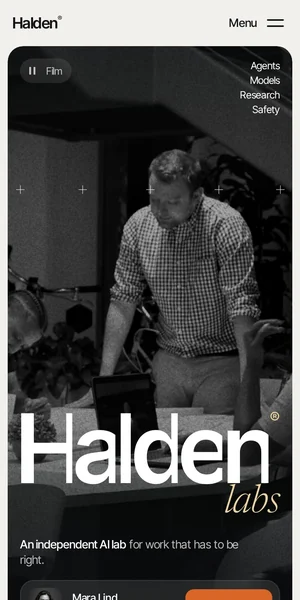
- Halden: The flagship: 30 pages and five header and footer variants to choose from.
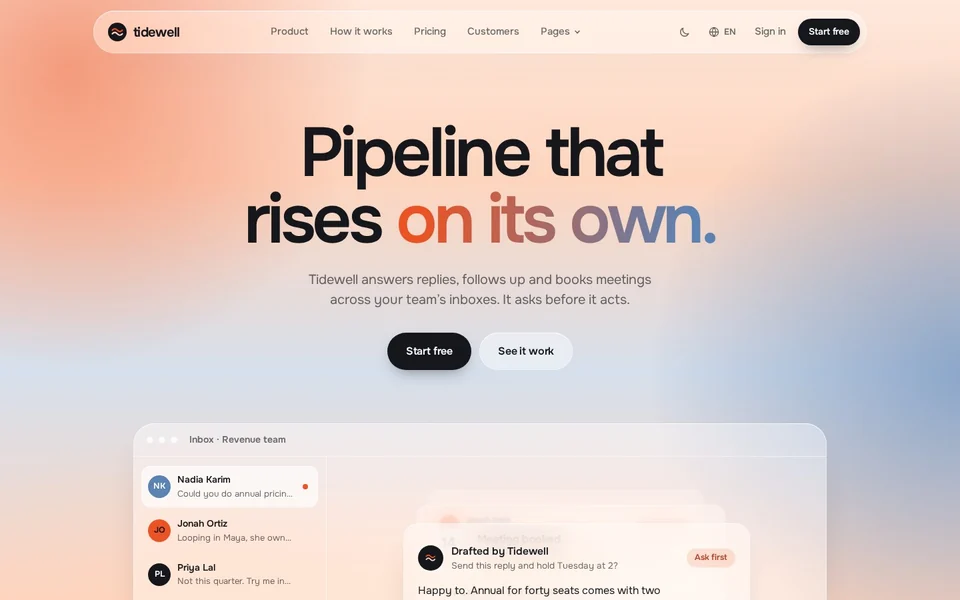
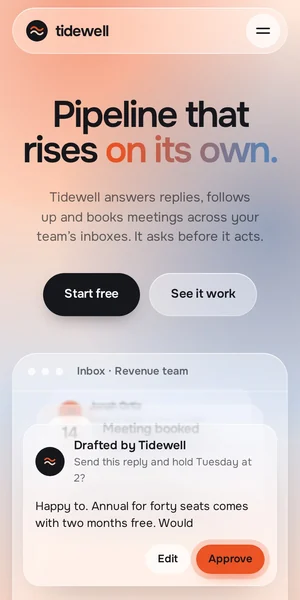
- Tidewell: Glass effects defined in a handful of CSS variables, easy to tune in one request.
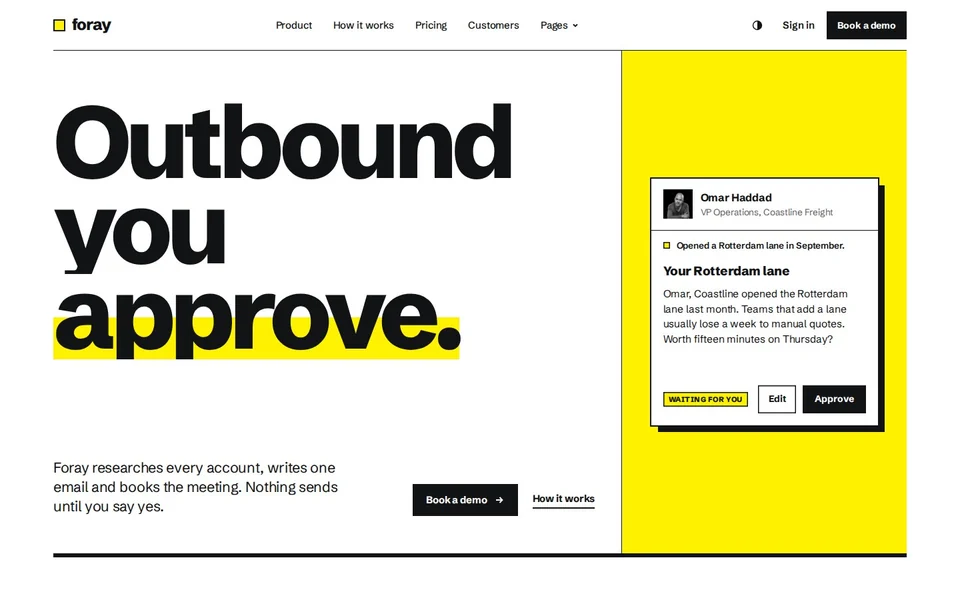
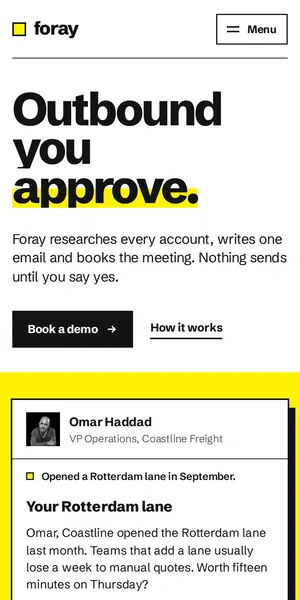
- Foray: An explicit 12-column Swiss grid, which keeps agent layout edits aligned.
What's included
| Template | Pages | Ready today | Start-here guide | Extras ready | Price | Live preview |
|---|---|---|---|---|---|---|
| Isinglass AI clinical documentation | 24 | HTML | Yes | None yet | $79 | Open the Isinglass demo (opens in a new tab) |
| Relay AI agent platform | 31 | HTML, Prompt pack | Yes | Product UI kit | $79 | Open the Relay demo (opens in a new tab) |
| Foldline AI code review | 29 | HTML | Yes | Product UI kit | $79 | Open the Foldline demo (opens in a new tab) |
| Meetly AI meeting assistant | 30 | Astro, HTML, Prompt pack | Yes | AI copy prompts, Pitch deck, Launch kit, Email templates, Brand kit, Product UI kit | $79 | Open the Meetly demo (opens in a new tab) |
| Merrow AI support assistant | 30 | HTML, Prompt pack | Yes | None yet | $79 | Open the Merrow demo (opens in a new tab) |
| Mordant AI image generator | 30 | HTML, Prompt pack | Yes | None yet | $79 | Open the Mordant demo (opens in a new tab) |
| Northwind AI consultancy | 28 | Framer, Prompt pack | Yes | None yet | Free | Open the Northwind demo (opens in a new tab) |
| Halden Applied AI lab | 27 | HTML | Yes | None yet | $79 | Open the Halden demo (opens in a new tab) |
| Tidewell AI inbox and sales agent | 29 | HTML | Yes | None yet | $79 | Open the Tidewell demo (opens in a new tab) |
| Foray AI SDR and sales agent | 29 | HTML | Yes | None yet | $79 | Open the Foray demo (opens in a new tab) |
Page counts are the site pages in each demo, not counting the password, 404 and coming-soon screens. Every paid template is one price for every format it ships in.
Add the MCP server in Cursor
Cursor reads MCP servers from ~/.cursor/mcp.json (all projects) or .cursor/mcp.json in a project. Add the server, restart the agent, and it gains tools to fetch sections, design tokens and page blueprints. Free sections work without a key.
{
  "mcpServers": {
    "frontier": {
      "command": "npx",
      "args": ["-y", "@frontiertemplates/mcp"],
      "env": { "FRONTIER_LICENSE_KEY": "ft_your_key" }
    }
  }
}
Keep the agent on the design system with a project rule
Cursor applies project rules from the .cursor/rules folder to agent requests. A short rule stops the agent inventing new colours and spacing mid-edit. Save something like this as .cursor/rules/design.mdc in the template folder and adjust it to the template's own file names:
- Use only the colour, spacing and type tokens defined in the template's CSS custom properties.
- Reuse existing section markup and classes; don't add a new CSS file.
- Keep every page working at 390 pixels wide.
- Don't remove the reduced-motion handling from any animation.
Build from a prompt pack in Cursor
Open an empty folder, switch the chat to agent mode, and paste the prompt from the prompt page with your licence key and a few lines about your company. The agent fetches the pack's entry document and follows its links to each page spec and asset. Ask mode can't fetch and write files, so use agent mode.
Questions
Is this about custom mouse-cursor effects?
No. These are website templates for use in Cursor, the AI code editor. If you were looking for animated cursor effects, the templates don't focus on those.
Which Cursor mode do I need?
Agent mode, for building from a prompt pack or for multi-file edits. Inline edits work for small changes in one file.
Does it matter which model Cursor uses?
The pack and files work with any model Cursor offers. Larger models follow long page specs more faithfully.
Can I use the same template in Claude Code later?
Yes. The files and the licence are the same; only the agent changes.